Description
Book description:
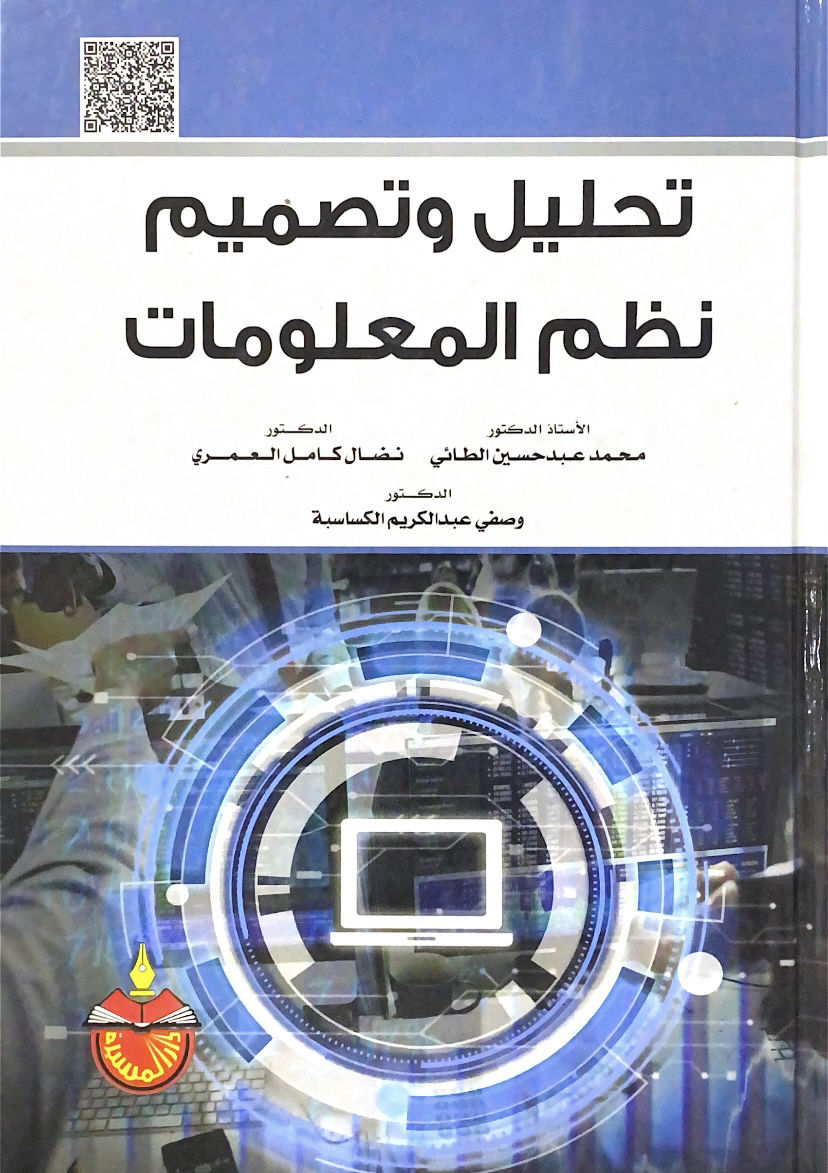
- Author's name: A.. Dr. Mohammed Abdul Hussein Al-Taie - Dr. Nidal Kamel Al-Omari - Dr. Wasfi Abdul Karim Al-Kasasbeh
- Number of pages: 528 pages
- The subject of the book: Information systems analysis and design
The contents of the book:
1. Introduction
2- Chapter One: The concept and dimensions of information systems analysis and design
- Bootstrap
- The concept of the information systems analysis and design process
- Beginnings of information systems analysis and design
- Introduction to the study of information systems analysis and design
- The principle of abstraction
- Parts of information systems
- Building and developing information systems
- Information System as a Vital Resource Project
- Study of systems
- Levels of information systems analysis
- Tools used in systems analysis and design
- Aligning the organization's three main strategies
- The Golden Rules of Systems Analysis and Design
- Selecting the appropriate range/range
- The logical description precedes the physical description of the system
- Abstraction and simplification
- Choosing the right team
- Designing maintainable systems
- Interim assessment
- Evaluating technology as part of a larger system
- Scenarios
- Participation of beneficiaries
- Identify perceived risks
- System Analyzer
- Who is a systems analyst?
- Systems Analyst Qualifications
3. Chapter Two: Planning to build/develop information systems
- Bootstrap
- The concept of information systems event planning
- Information Systems Event Planning Approaches
- Methodologies
- Tools
- Methods
- Evaluate potential projects
- Strategic relevance
- Expected organizational benefits
- Availability of resources
- Project size and duration
- Technological risks or difficulties
- Value chain analysis
- Choosing a system project
4. Chapter Three: Information System Feasibility Study
- Bootstrap
- Information System Feasibility Study Definition
- Pillars of an information system feasibility study
- Key topics of the feasibility study
- Problems with the feasibility study
- Pre-feasibility Study Preliminaries
- Defining the business case
- Objectives of the feasibility study
- Composition of the study team
- Speculative cost budgeting
- Scheduling for fulfillment
- Identify methods for obtaining data and information
- Feasibility Study Stages
5. Chapter Four: Analyze the current information system
- Bootstrap
- The importance of studying and analyzing the current information system
- Difficulties of studying and analyzing the current information system
- The sensitivity of studying and analyzing the current information system
- Ignoring the functional crossover between information subsystems
- Identify needs from end-users as individuals rather than groups
- Asking the wrong question
- Necessary guidelines
- Find the right way to inquire and verify everything
- Creative Thinking in Dimensional Detection
- Attention to detail
- Current Information System Diagram
- Analyze the purpose of the current information system
- Analyze the elements of the current information system
- Analyze current staffing requirements
- Analyzing Integration Relationships
- Evaluate the technology adopted in information systems applications
- Identify the costs and benefits of the current system
- Create a chart with the current system
6. Chapter Five: Diagnosing and defining the issue
- Problem definition
- Proposed System Alternatives
- Calendar of alternatives
- Technical feasibility
- Practical (operational) feasibility
- Social feasibility
- Legal feasibility
- Economic feasibility
- Recommend the best alternative and prepare a feasibility study report
- Project Launch Plan Report
7. Chapter Six: Prepare a specification for the proposed system
- Bootstrap
- Output Specification
- What types of outputs are required and what is the nature of these outputs
- What are the appropriate media to configure the outputs
- What is the content of the report
- What is the periodicity of output initialization?
- Input Specifications
- Types of data to collect
- Data sources
- Periodic data collection period
- Choosing the right media for data entry
- Process Specifications
- Process Specification Format
- Logic modeling tools
- Parent process specification
- Business rules
- Personnel Specifications
- Specifications for devices, equipment and accessories
- Database System Specifications
- Entity group
- Characteristics or qualities
- Ties or Relationships
- Weak entities
- Representation of major types and subtypes
- Representing an entity's relationship with itself
8. Chapter Seven: Design of the proposed information system
- Bootstrap
- Designing the outputs of the proposed information system (designing forms and reports)
- Facts associated with the design of information system outputs
- Types of Business Reports
- Choosing the best output display media
- Ways to organize information in forms and reports
- Guidelines to enhance the quality of forms and reports
- Creating reports
- Report views
- Parts (sections) of reports
- How to create reports
- Create a report representing a student's class schedule using the Report Wizard
- Create a roster of students in a particular teaching division
- Creating a transcript for a specific teaching division
- Create a spreadsheet that represents the teaching schedule for faculty members
- Designing the inputs to the proposed information system (interfaces and dialog)
- Designing the data initialization and feeding process
- Data entry methods
- Data Entry Control
- Data entry devices
- Designing data entry screens
- Creating forms
- Model views
- Parts (segments) of models
- How to create models
- Create a model of a faculty teaching schedule using the quick method
- Create a model that represents a student's schedule using the Model Wizard
- Create a model representing a list of enrollments in a particular division using the Model Wizard
- Create a form to enter student grades using the Forms Wizard
- Additional modeling skills
- Process Design
- Procedure Oriented (PO) methods
- Process design tools for PO modeling”
- Model tools
- Logic Modeling Tools
- Data flow
- Data warehouses
- Operations
- External being
- Tools for documenting the physical system
- Dealing with table logs
- Preview data before printing
- Filtering
- Searching for information
- Search and replace
- Database system design
- Identifying system entities
- Designing the logical model of the database system
- Designing the physical model of the database system
- Query System Design
- Inquire about a specific student or group of students
- Multiple examples of controlling query criteria to display a student group
- A query that represents a student's class schedule for a particular semester
- A query that represents a student's transcript for a particular class
- A query that represents a student's transcript for the entirety of their studies
- A query representing the material sheet
- A query that represents the teaching schedule for faculty members
- Create a simple query using the wizard
- Tabular Query Processor
- Query processor for finding matches
- Mismatch Finder Query Processor
- Deletion Query Processor
- Aggregate queries
- Querying with Calculation Fields
9. Chapter Eight: Testing and implementing the new system
- Bootstrap
- Selection of devices and equipment
- Verify the need for hardware and software
- Create an inventory of the computers and accessories currently available in the organization
- Estimate the current and projected future workload of the information system
- Hardware and equipment evaluation
- Selection of software
- Selecting a supplier and obtaining the required hardware and software based on the previous assessment results
- Hardware and software training for staff and users
- Training for people working in the system
- Information System User Training Strategy
- Who will be trained
- Who trains users
- Training goals
- Training methods
- Training content
- Testing the new information system
- Bootstrap
- The importance of information system testing
- The main test plan
- Types of tests
- Implementation of the new system
- Direct Cutting (Blitz)
- Phased replacement method (incremental)
- Parallel Application Method
- Evaluation and final review
- Documentation
- System documentation
- User authentication
10. Chapter Nine: Information Systems Maintenance Operations Management
- Bootstrap
- MIS maintenance planning
- Determine the need for maintenance
- Assessing the need for human resources
- Scheduling maintenance operations
- Identify other necessary supplies
- Prepare a speculative budget for maintenance costs
- Organizing the maintenance of management information systems
- Information Systems Maintenance Unit Website
- Centralized/decentralized information system maintenance processes
- Internal organization of the information system maintenance and sustainment unit
- Directing the maintenance of information systems
- Maintenance Operations Command
- Motivating people
- Communications
- Oversight of information systems maintenance processes
- Proper documentation
- Manage maintenance requests
- Measuring Maintenance Effectiveness
- Software maintenance
- Prerequisites for performing software maintenance
- Approaches to organizing software maintenance
- Software Maintenance Methodology
- Software maintenance tools
- Reverse engineering
- Software and systems re-engineering
- Software restructuring
- Software change management systems
- Library function facilities
- Programmer Workstations
- Test Master File
- Quality Assurance Master File
- Production Master File
- Recovery Master File
- Management reports
11. References
Also browse:
- A special collection of Educational books
- Research of the Council of Senior Scholars of the Kingdom of Saudi Arabia 2/1